Escolha um estilo de dança
Navegue pelos modelos de dança com IA e escolha a coreografia e o clima que combinam com sua ideia.

Envie sua foto e crie um vídeo de dança viral na hora.
Três passos rápidos—do modelo ao clipe de dança pronto. Sem captura de movimento nem adivinhação.
Navegue pelos modelos de dança com IA e escolha a coreografia e o clima que combinam com sua ideia.
Adicione a foto exigida pelo modelo para que o dançarino pareça com seu retrato.
Clique em Gerar, espere um pouco, salve seu vídeo de dança vertical e compartilhe onde quiser.
Depoimentos
Feedback real de criadores que usam vídeos de dança com IA para conteúdo, anúncios e momentos virais.
“Enviei uma selfie e ganhei um vídeo de dança como se eu soubesse coreografia. Meus seguidores piraram.”

Marcus Lee
Criador • TikTok
“Usamos clipes de dança com IA numa campanha e o engajamento triplicou. Os modelos deixam a iteração rapidíssima.”

Sofia Reyes
Marketing • Anúncios sociais
“A qualidade do movimento é absurda. Não parece um deepfake ruim—parece vídeo de dança de verdade.”

Jake Thompson
Criador • Shorts
“Perfeito para memes e conteúdo viral. Fiz uma série inteira de pets dançando numa sessão.”

Emma Wilson
Designer • Conteúdo de marca
“Os modelos Na Favelinha e Acelerada são insanos. Meu público no Brasil ama.”

Carlos Mendes
Criador • Funk brasileiro
“Enviar, escolher dança, gerar—pronto. O formato vertical vai direto para Reels e Shorts.”

Priya Sharma
UGC • Criadora
Respostas às principais dúvidas
Transforma sua foto em um clipe vertical curto de dança com IA—coreografia, ritmo e estilo seguem o modelo escolhido, sem animação manual.
A maioria dos modelos de dança precisa de apenas um retrato. Alguns estilos especiais podem pedir duas imagens—veja os slots após escolher o modelo.
Normalmente retrato (9:16), ideal para TikTok, Reels, Shorts e feeds verticais. Baixe o vídeo após a geração.
Geralmente de alguns segundos a alguns minutos, conforme a fila e o modelo. Você vê o progresso no app.
Retratos claros de frente funcionam melhor. A IA precisa ver rosto e tronco para movimentos convincentes. Evite filtros pesados ou fotos em grupo.
Se você tem direitos ou permissão sobre as pessoas nas fotos, em geral pode usar o resultado—confirme licenças de música, marca e plataformas separadamente.
Assine para desbloquear a experiência completa
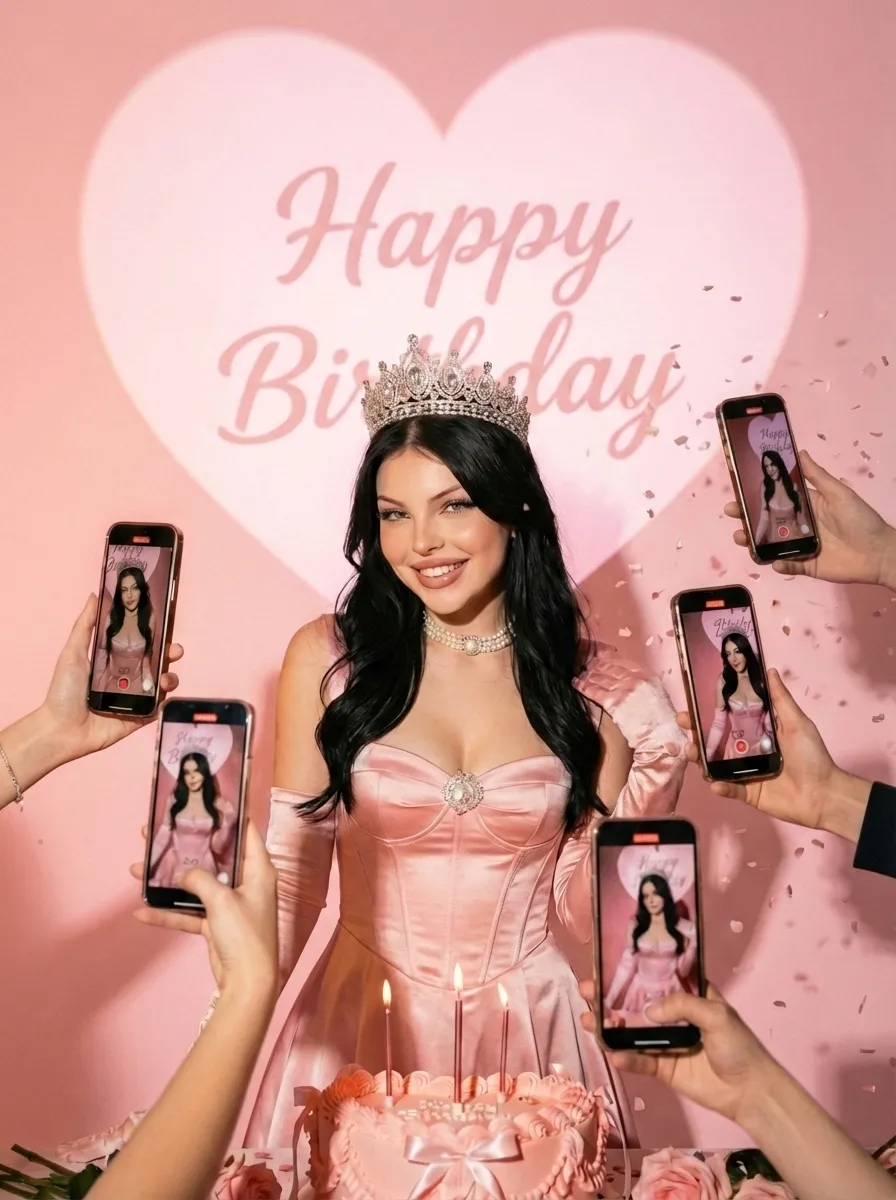
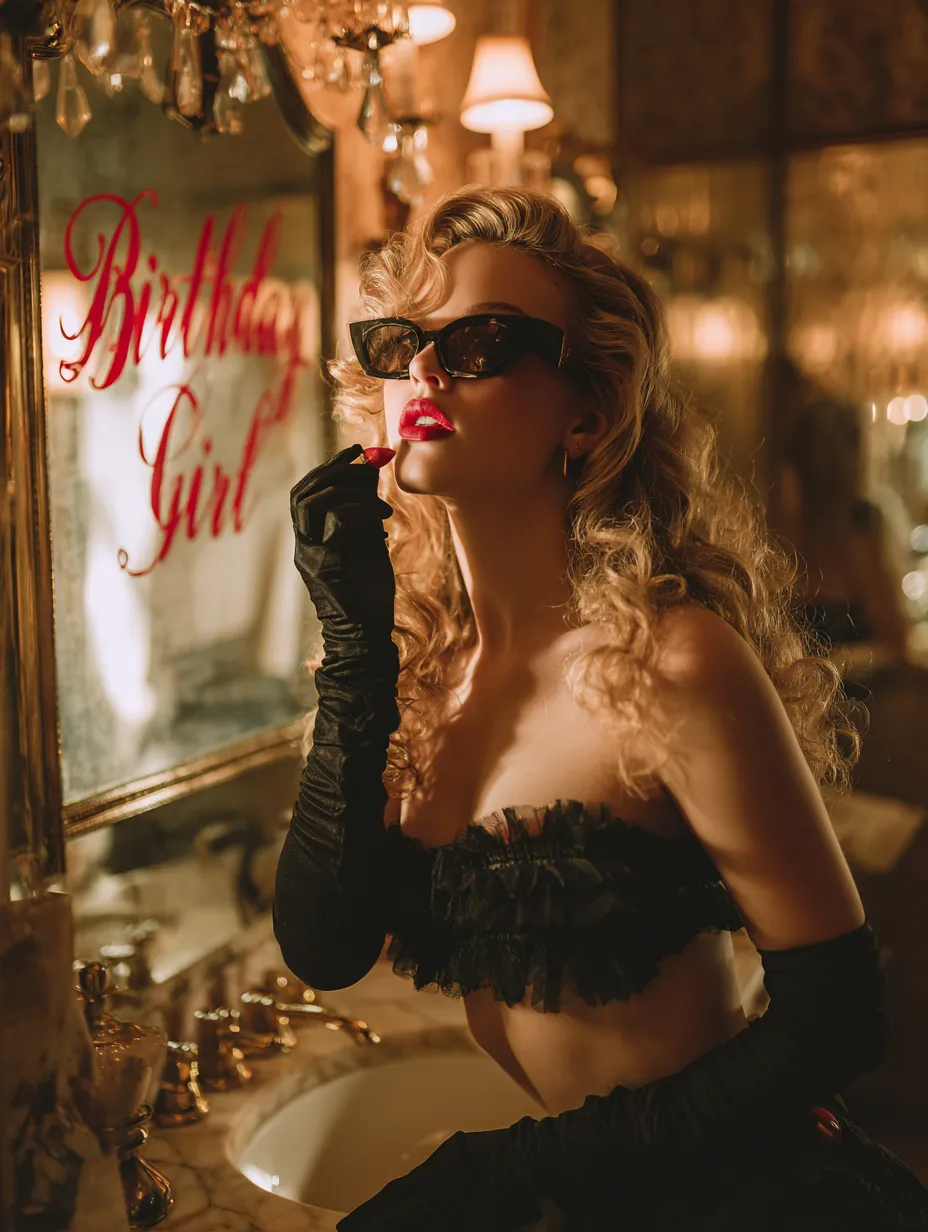
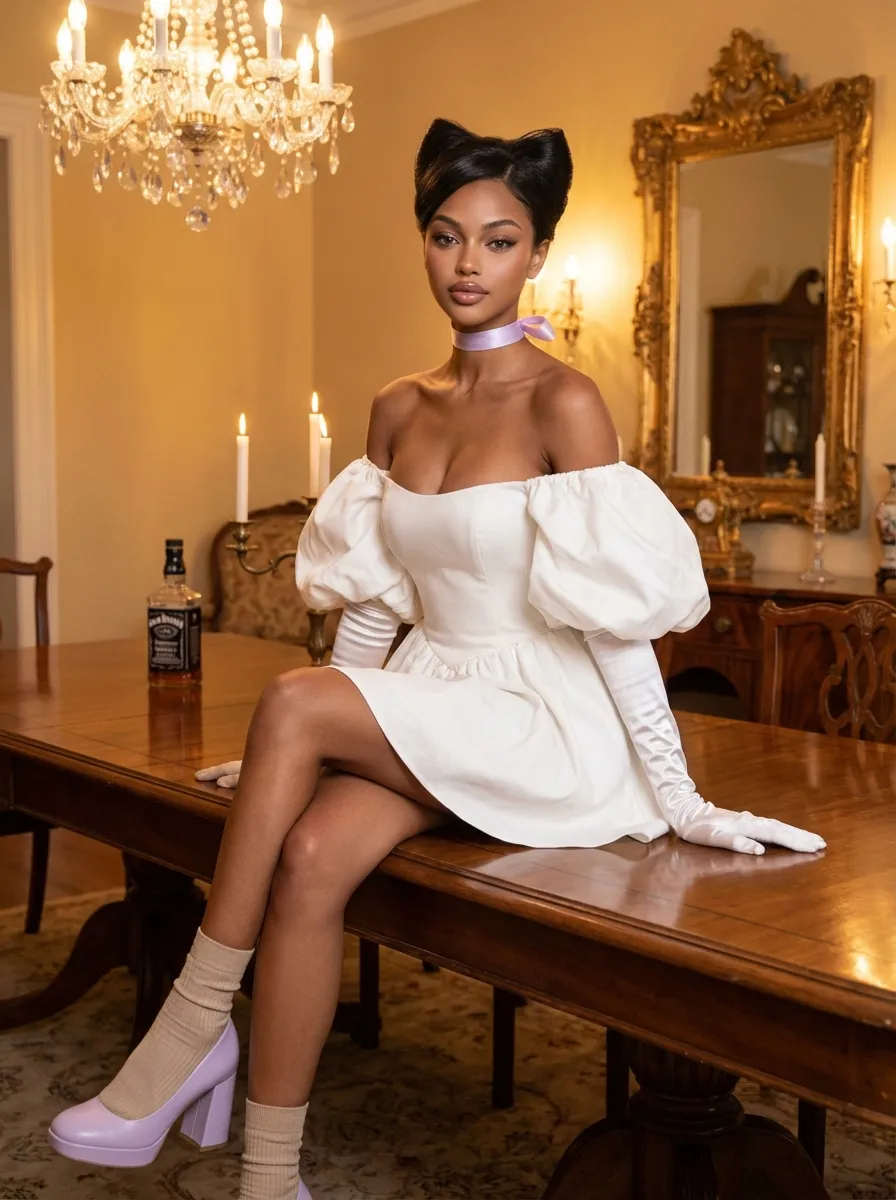
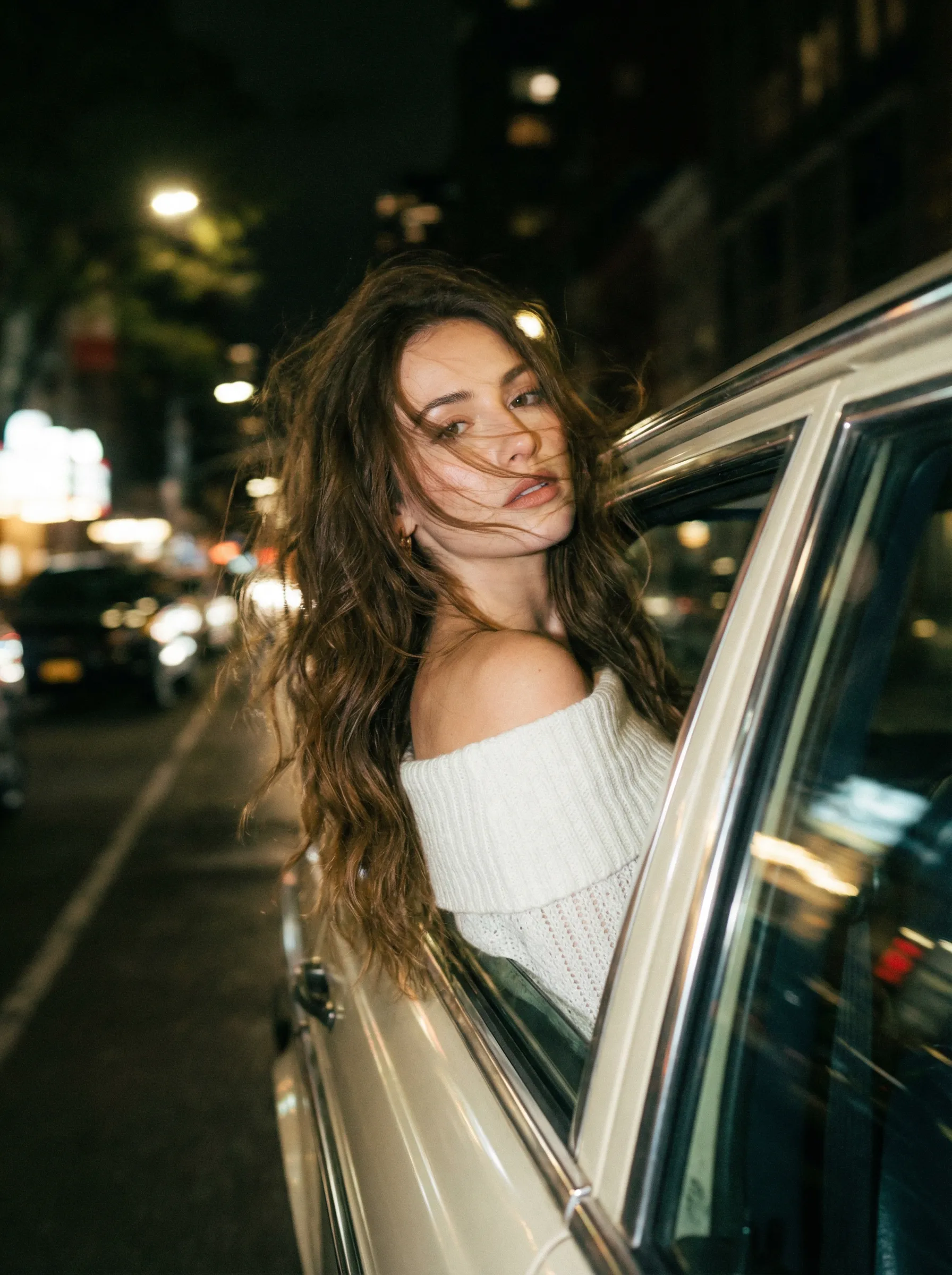
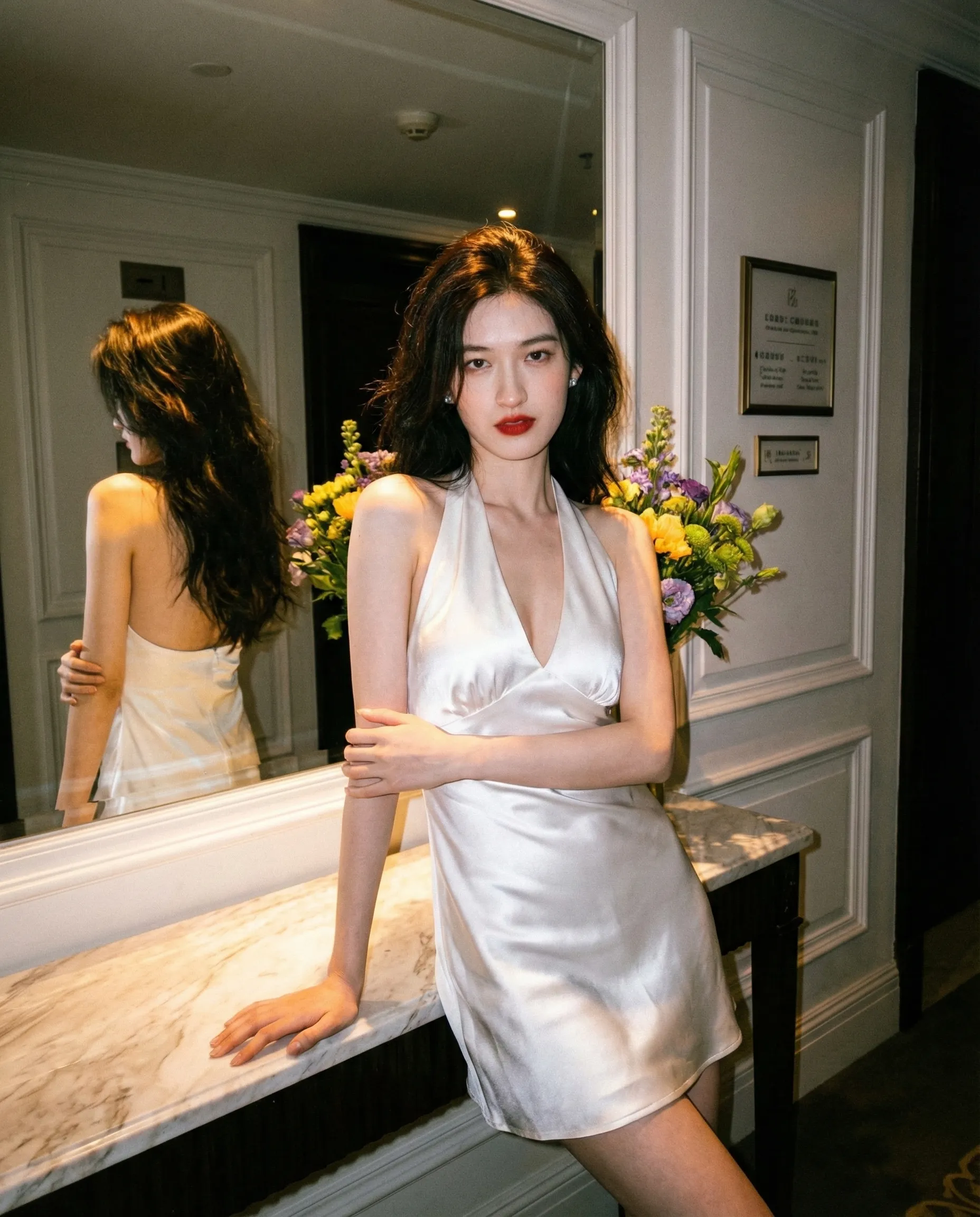
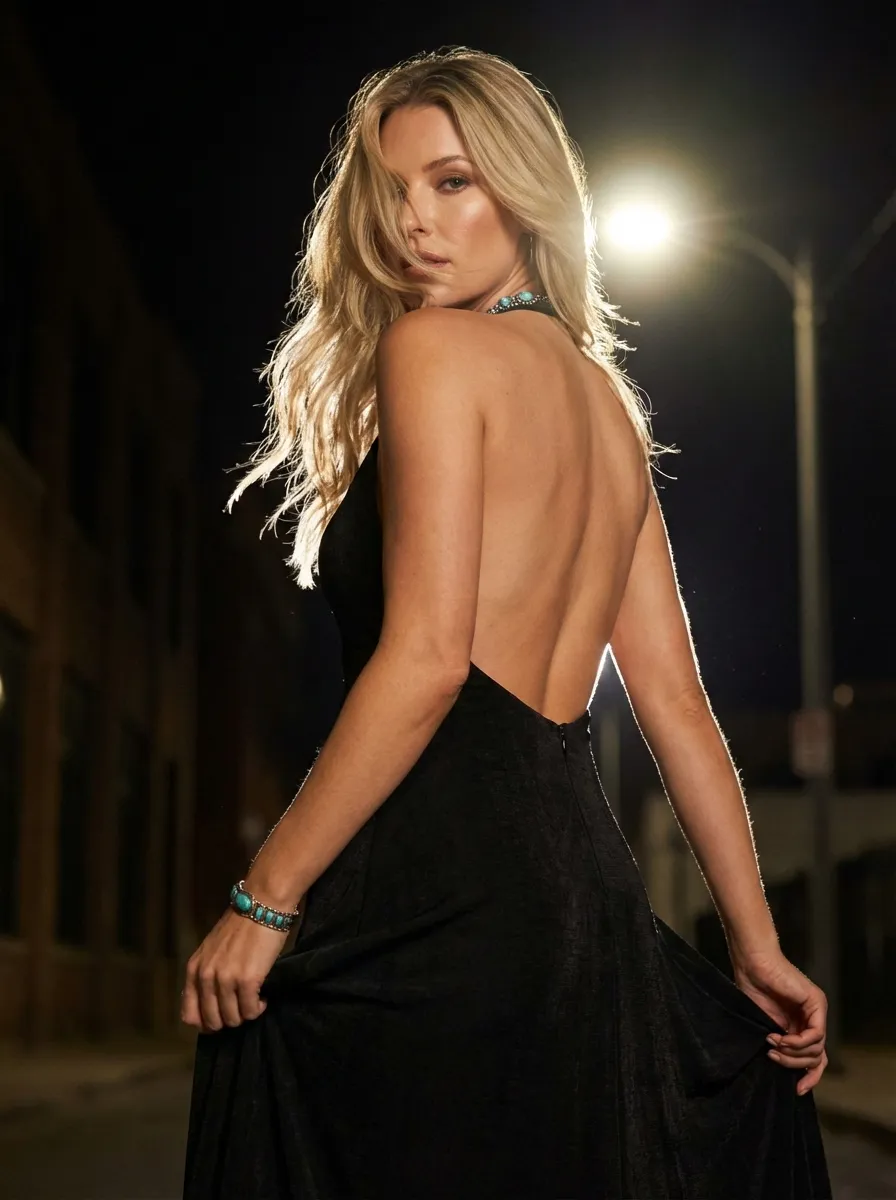
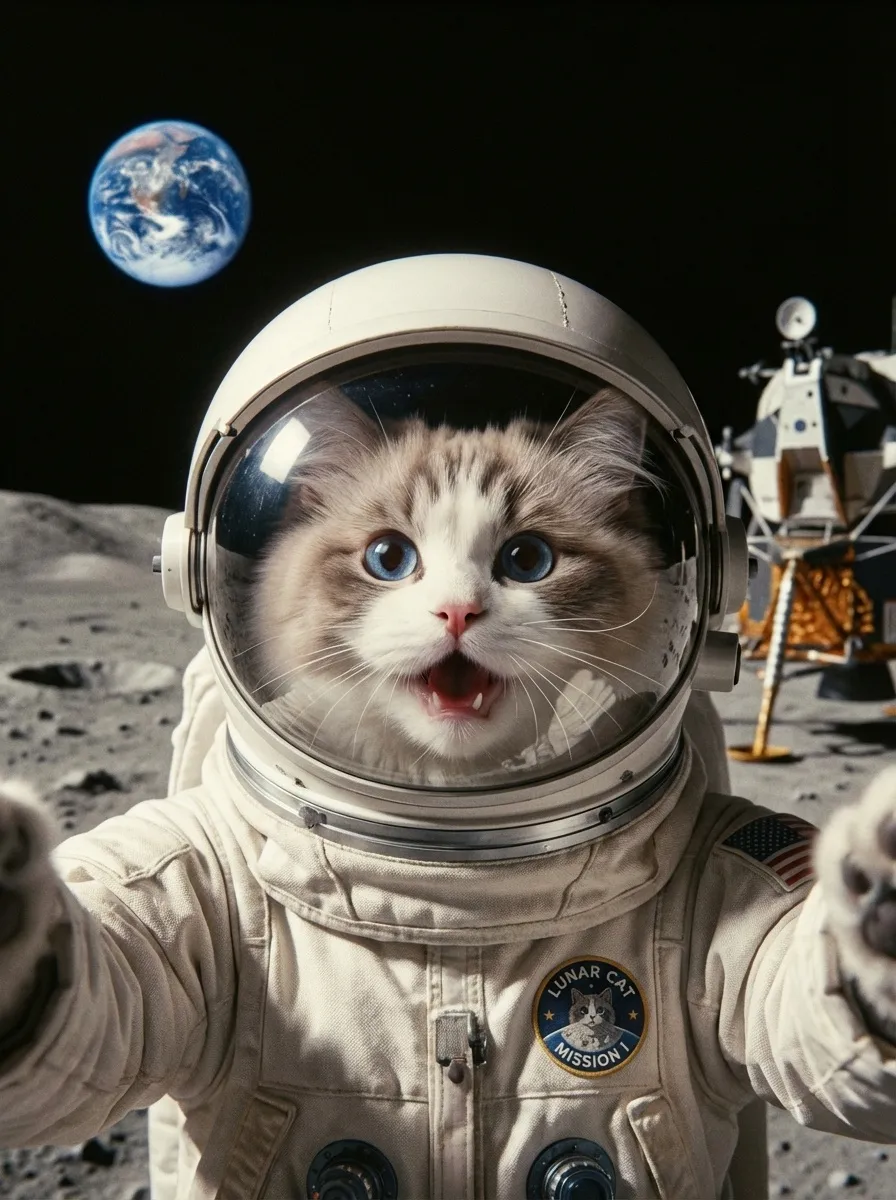
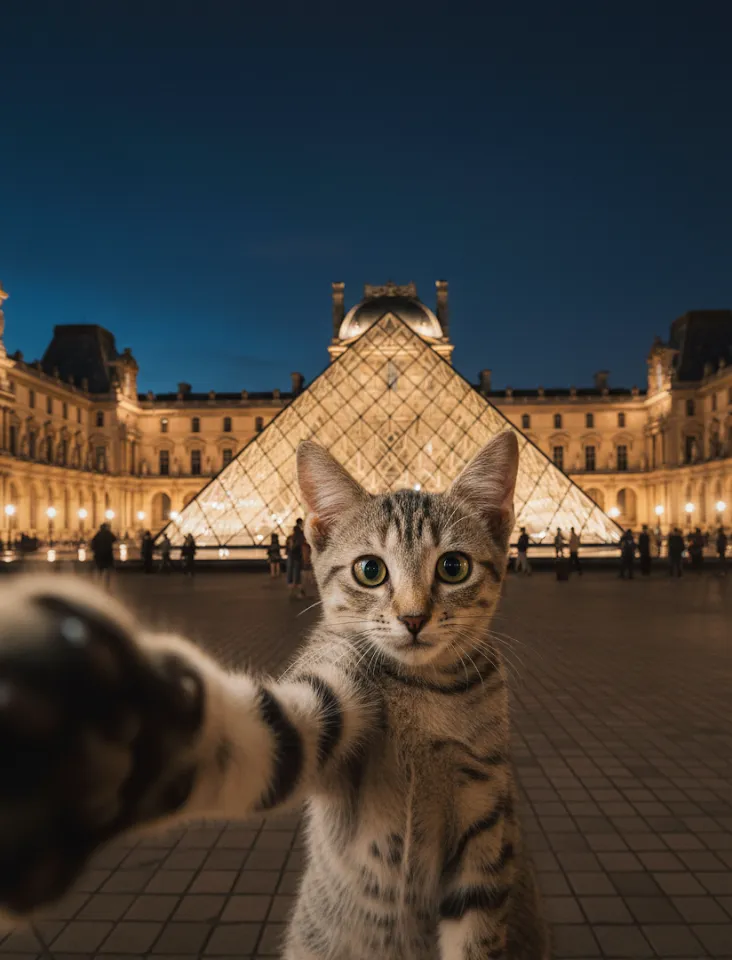
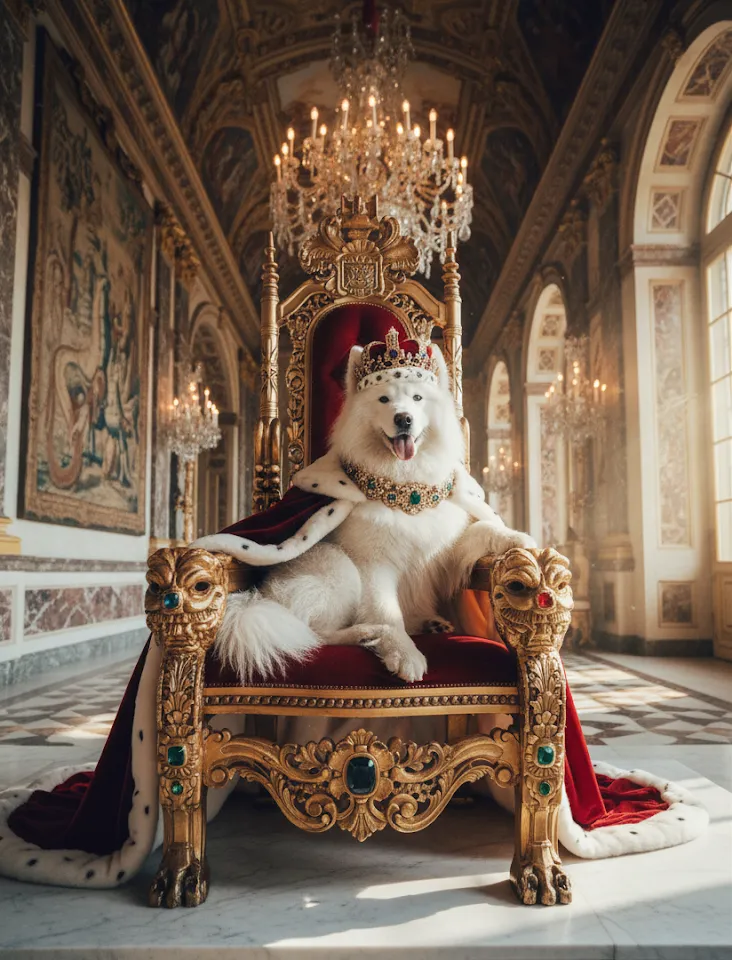
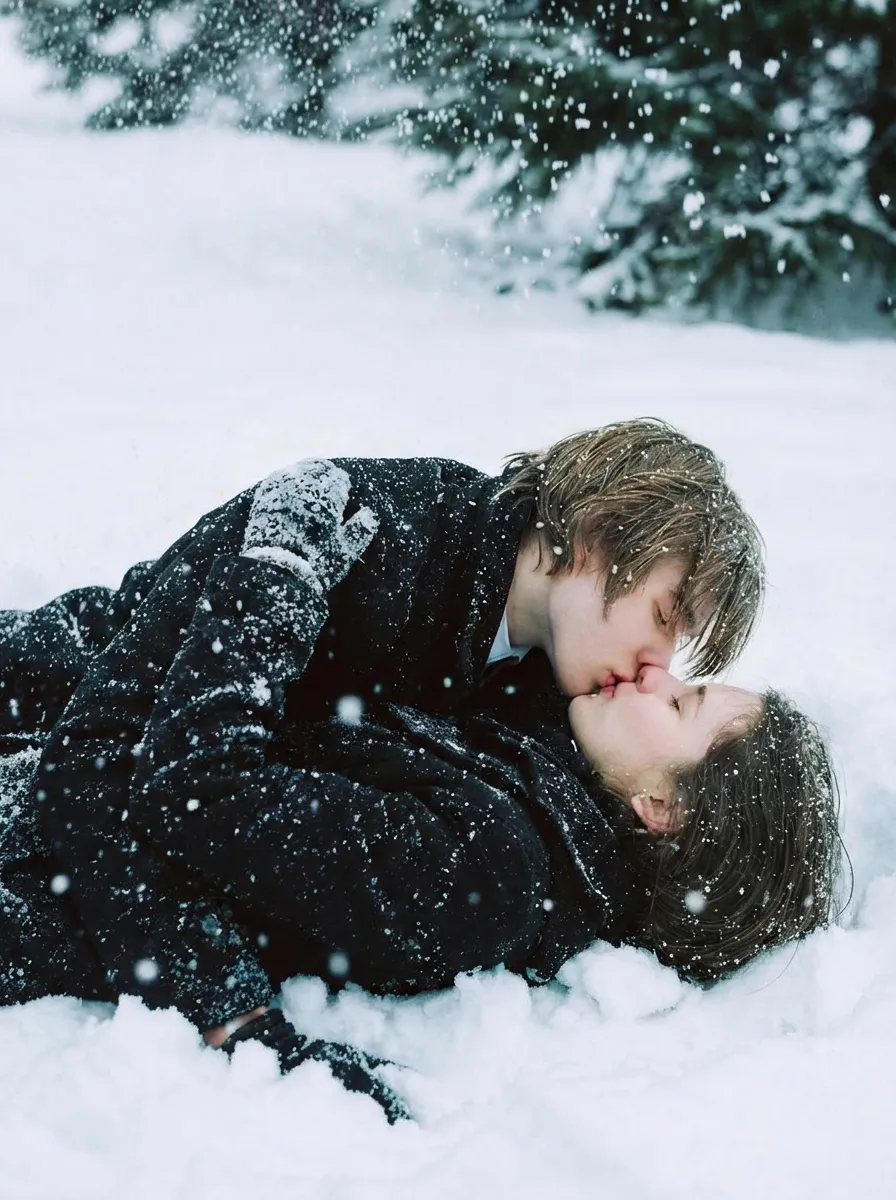
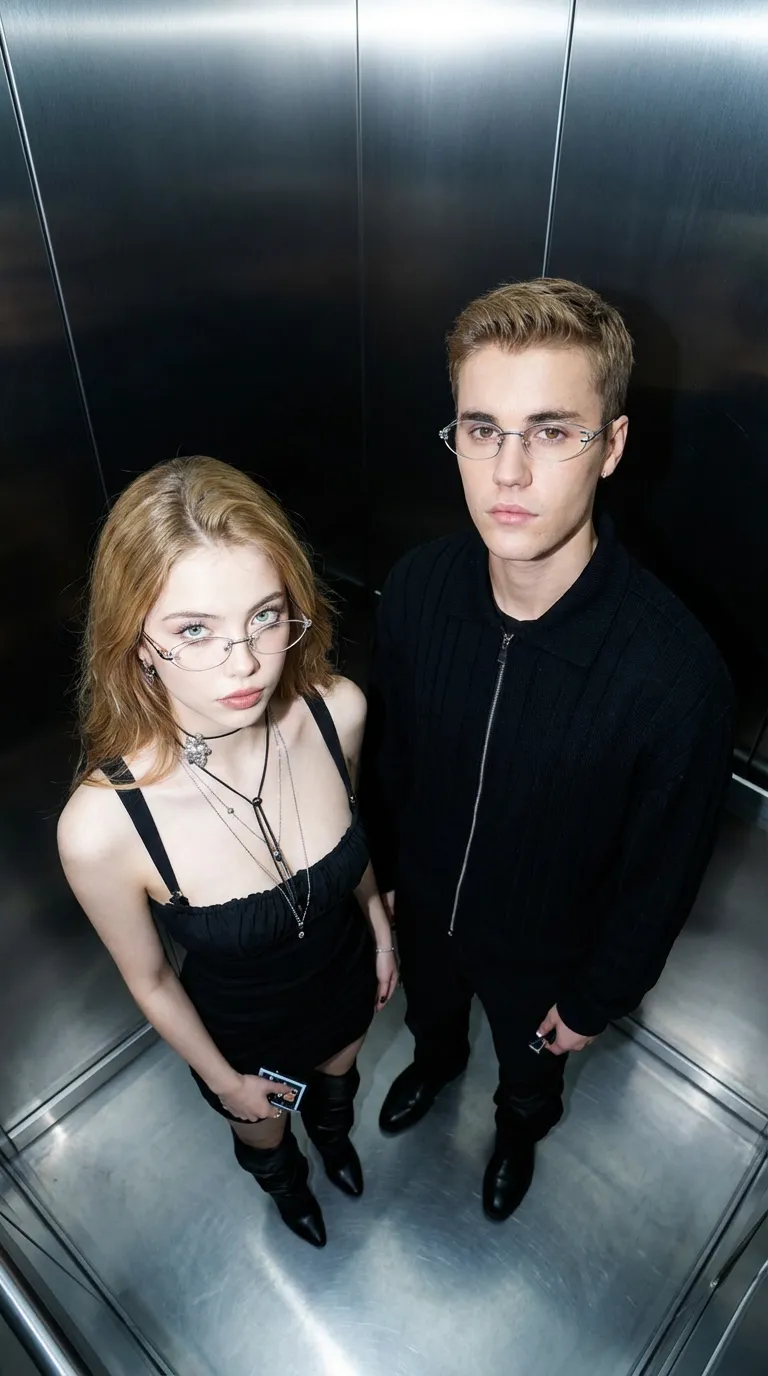
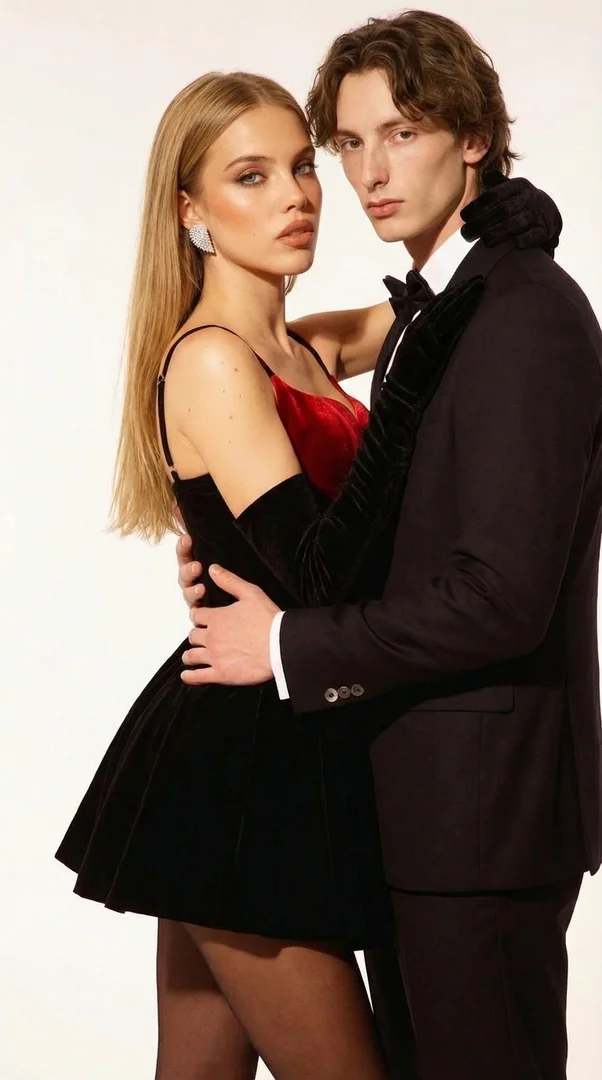
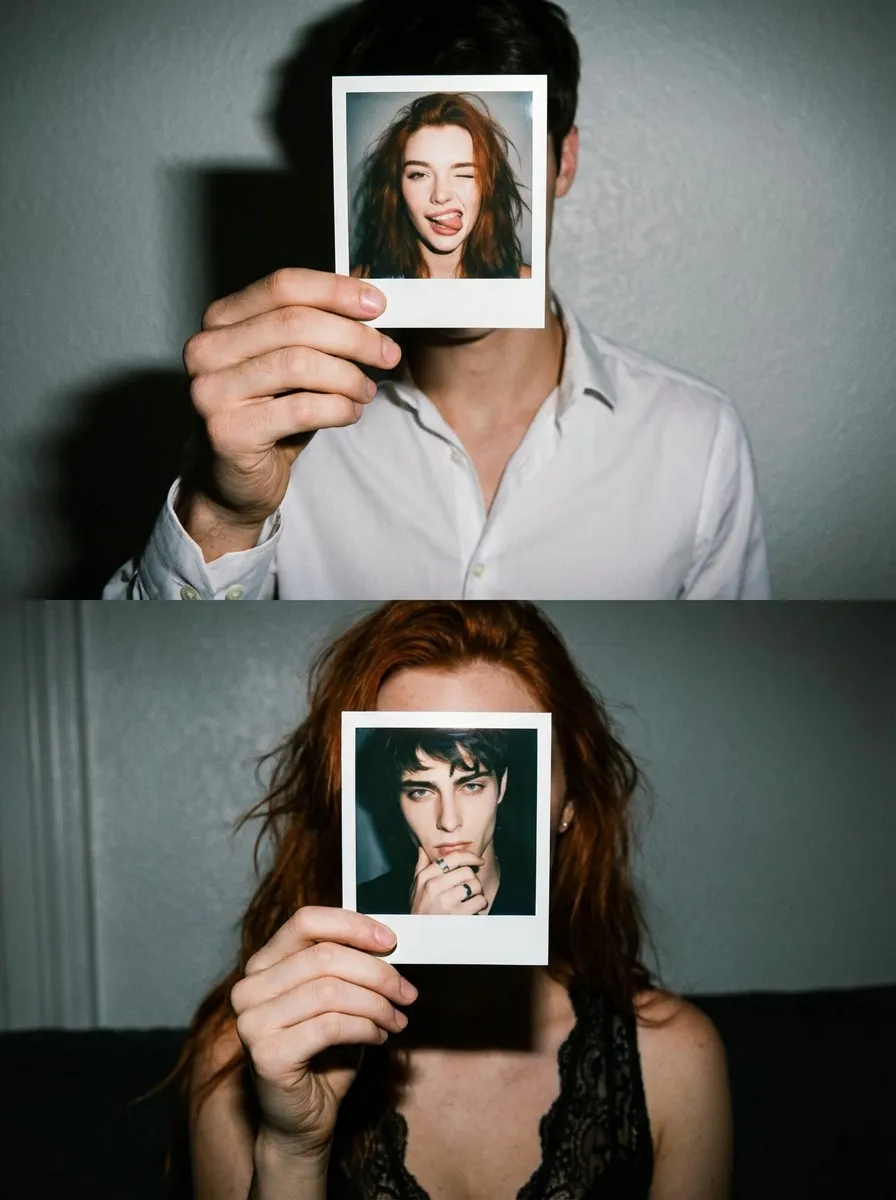
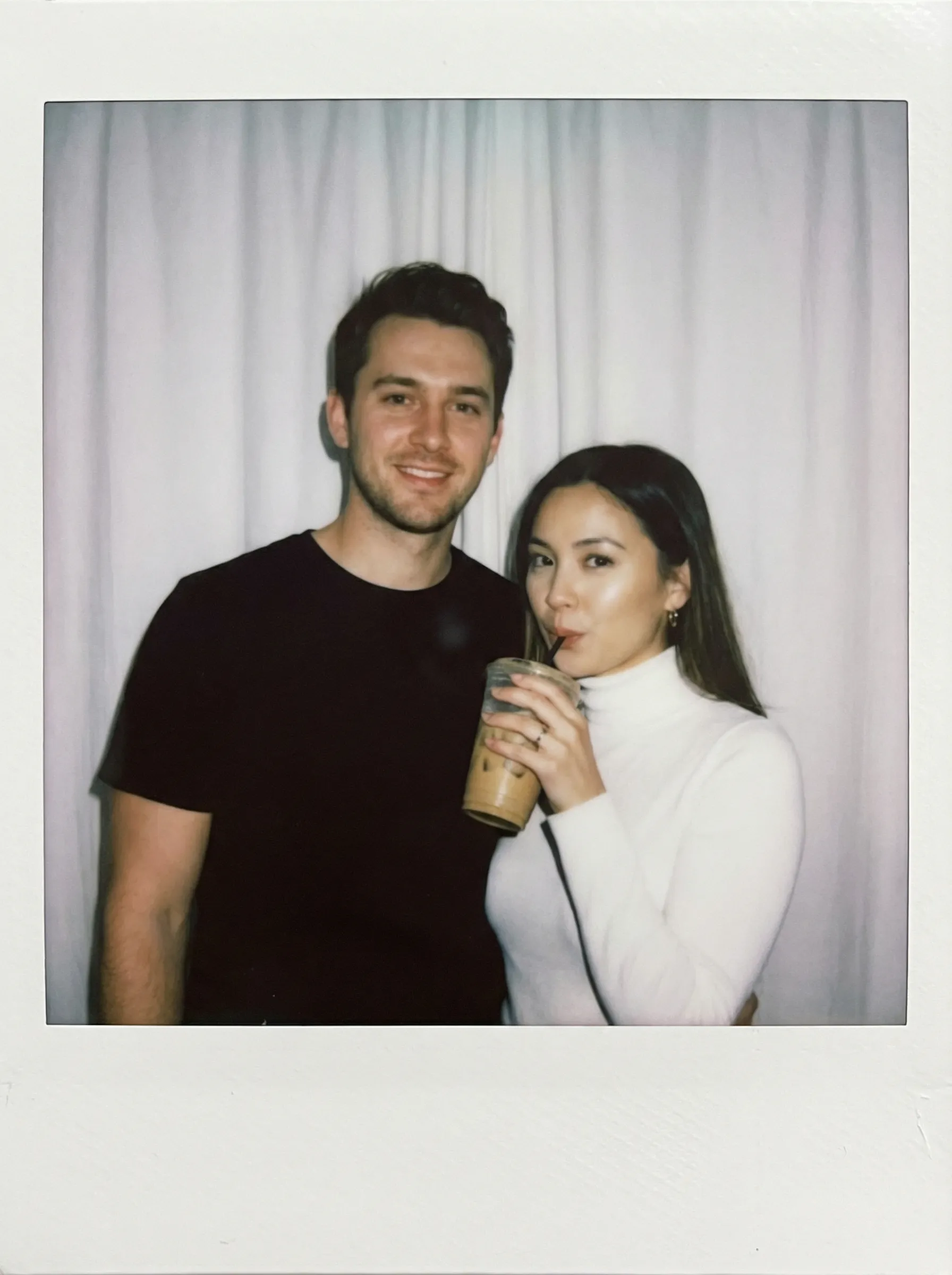
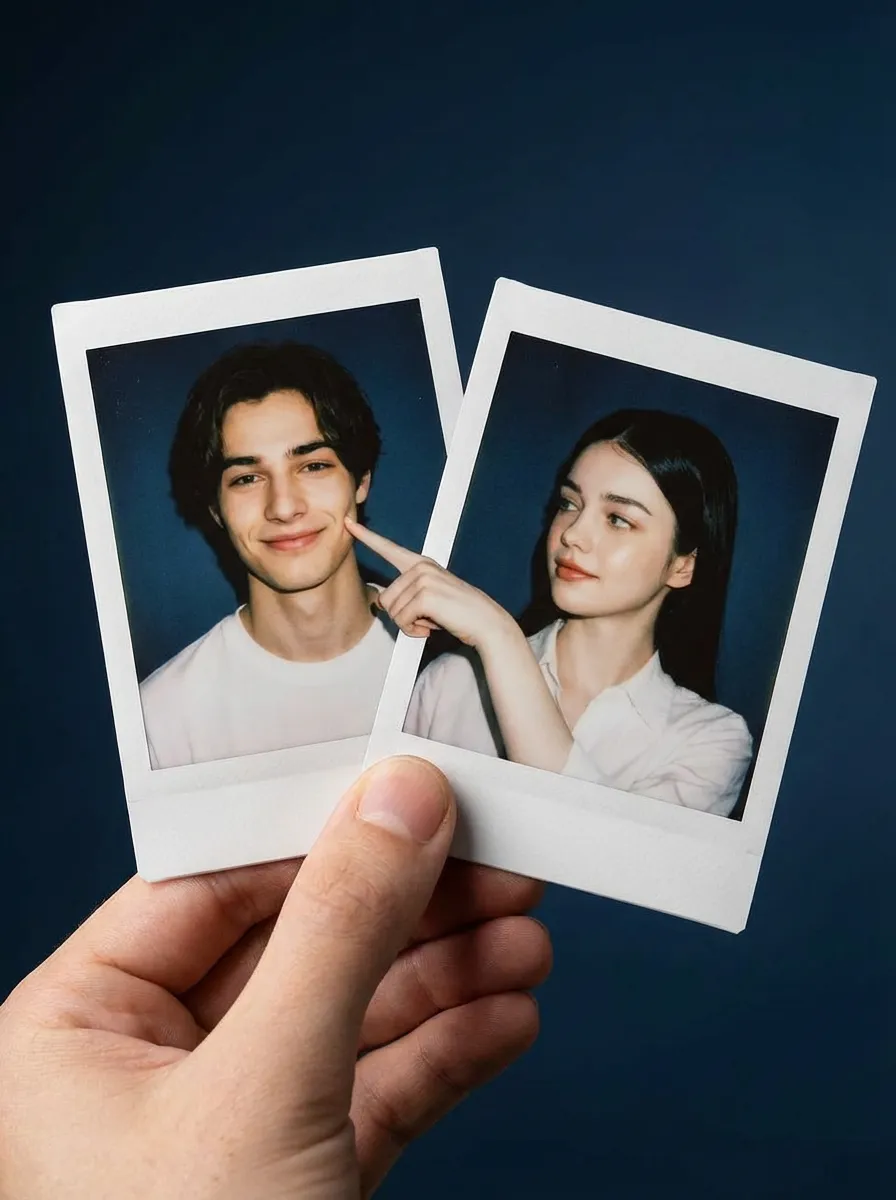
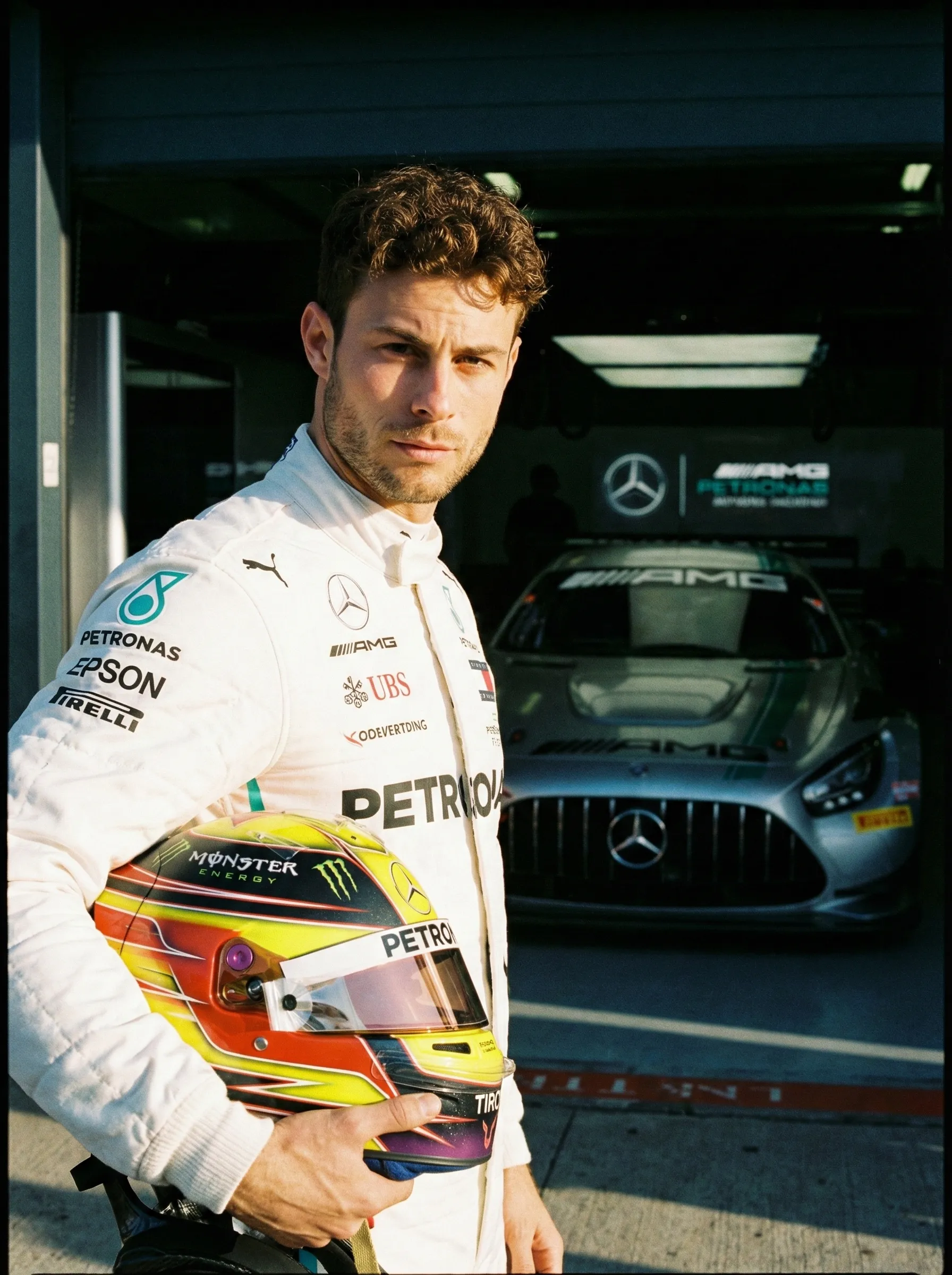
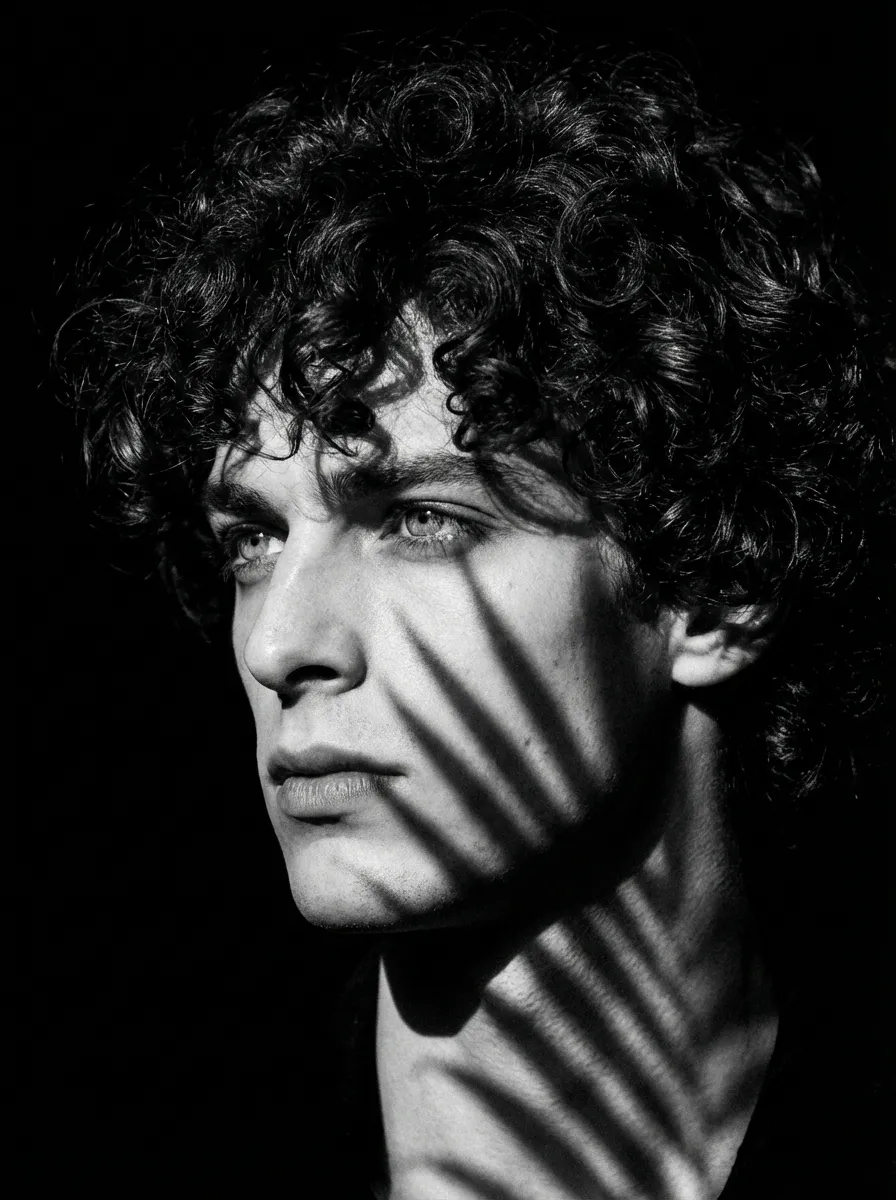
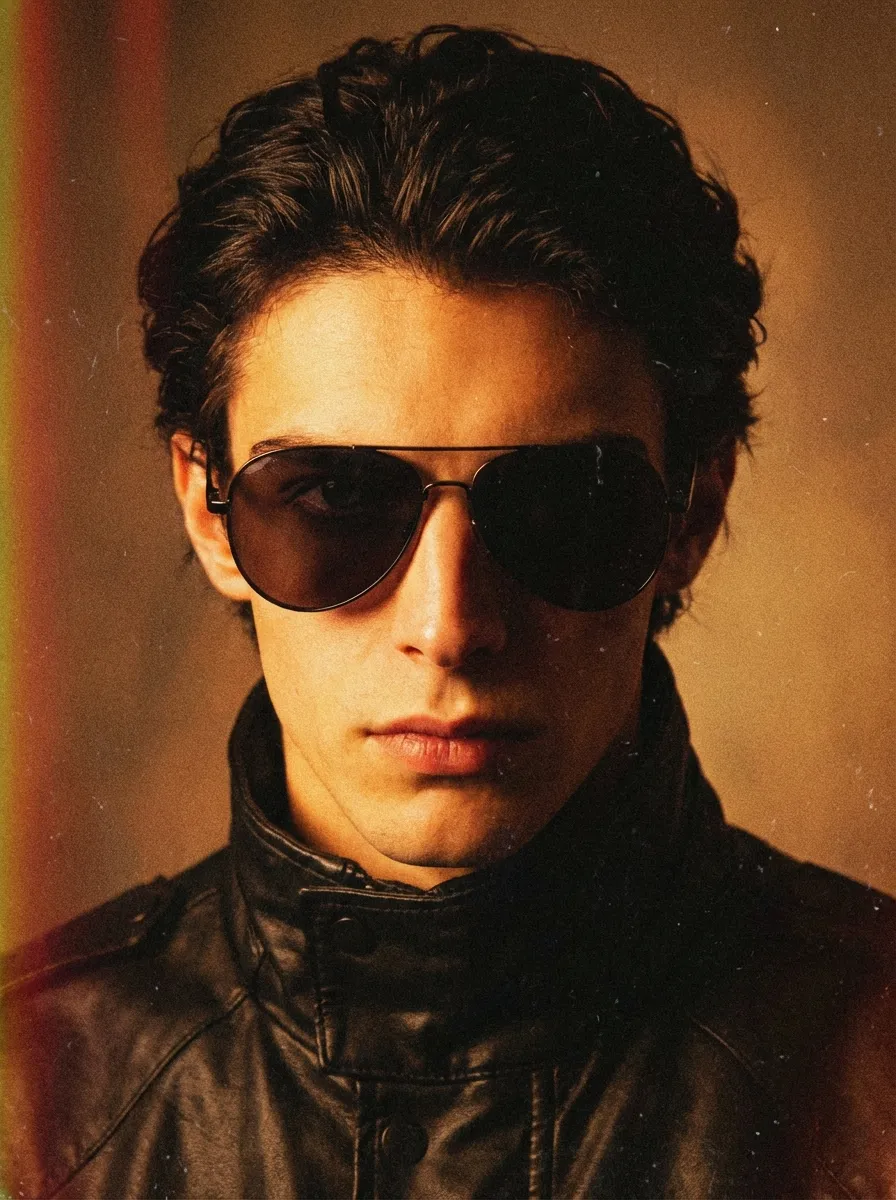
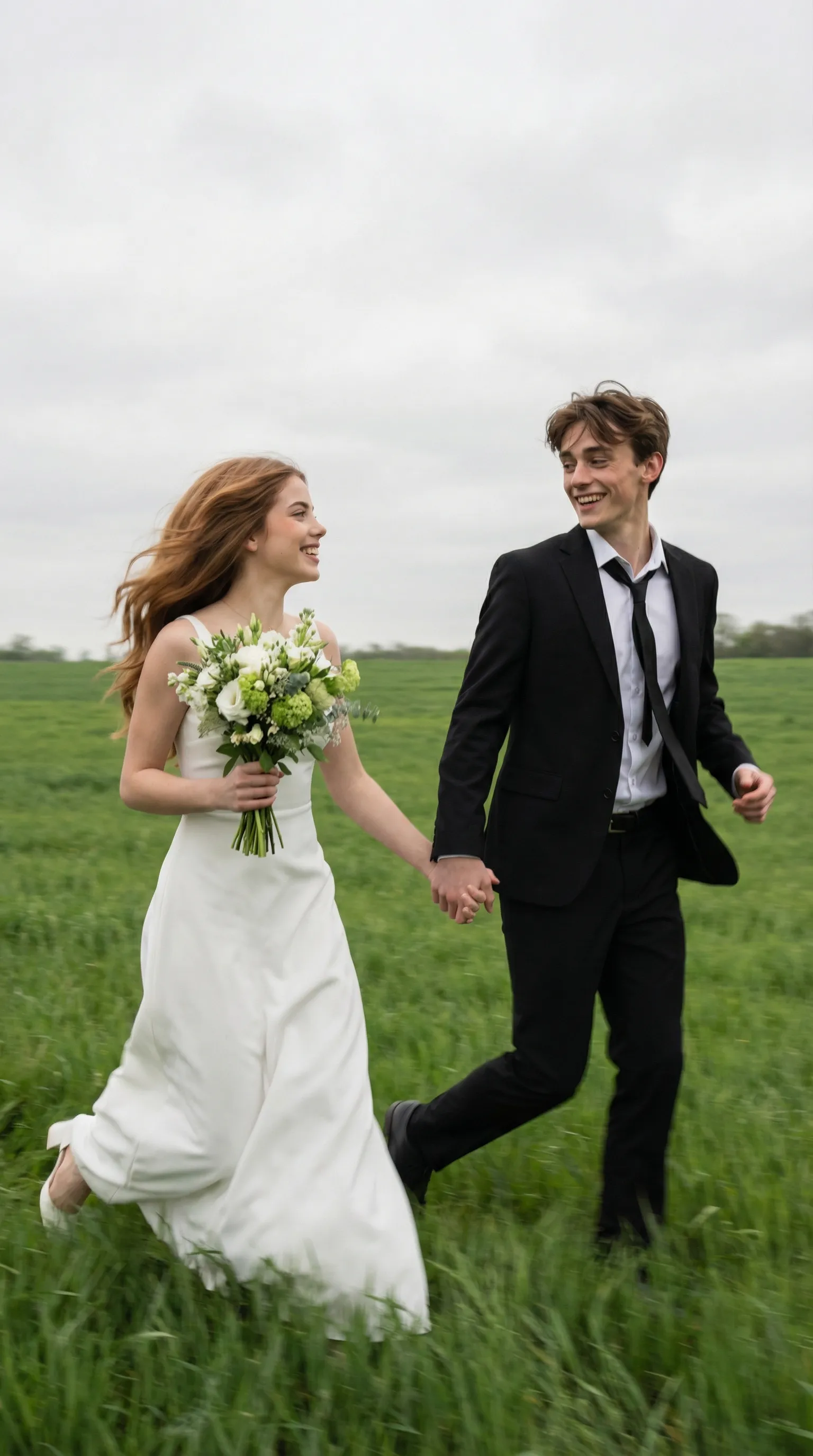
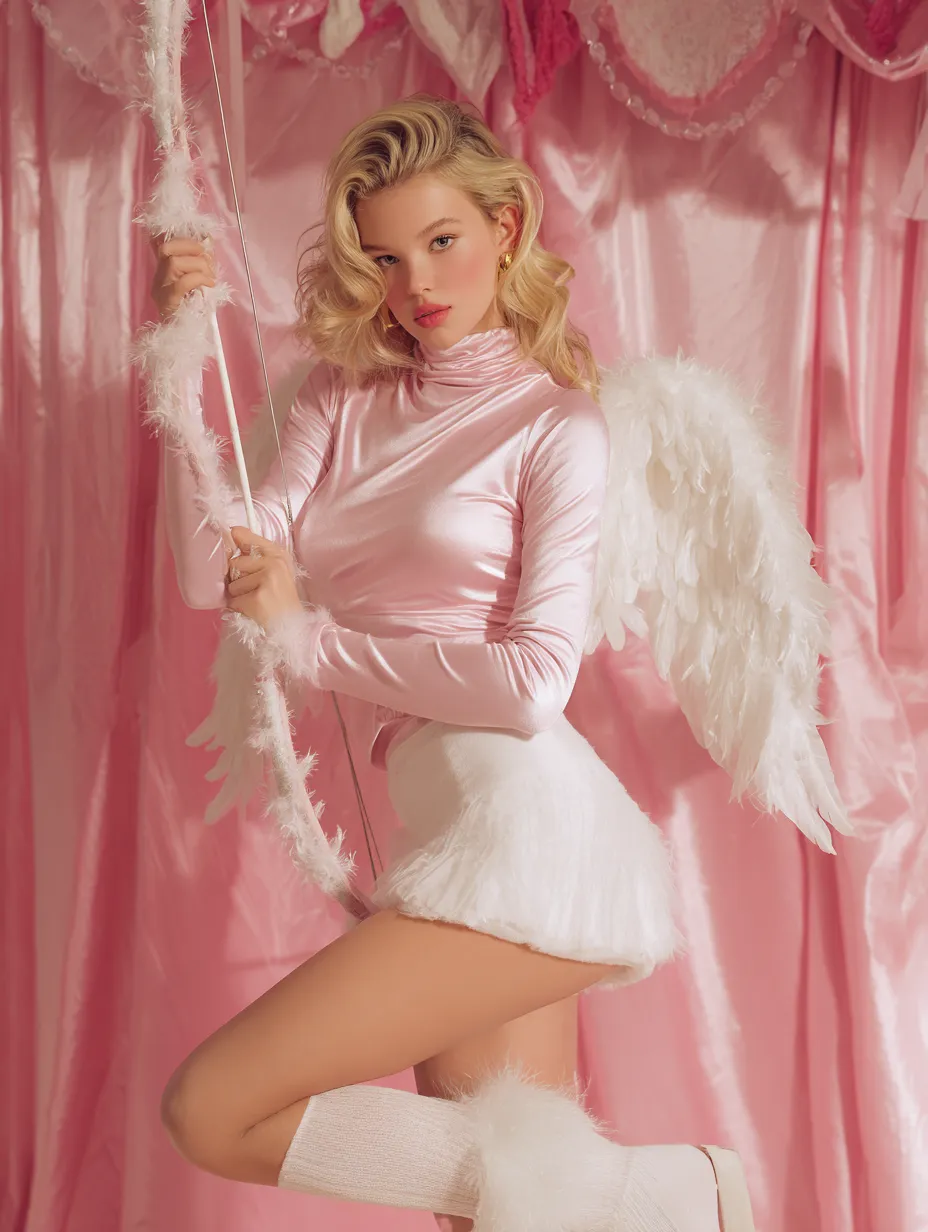
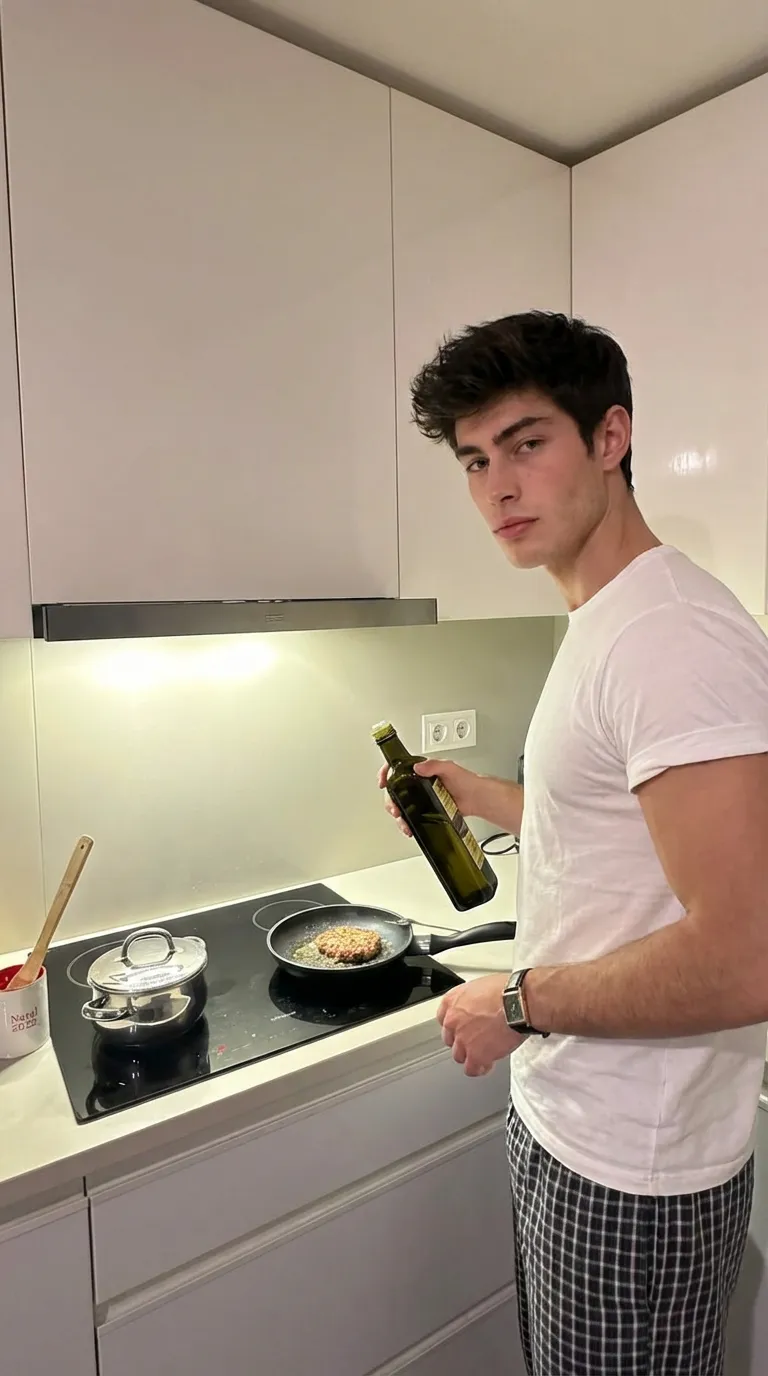
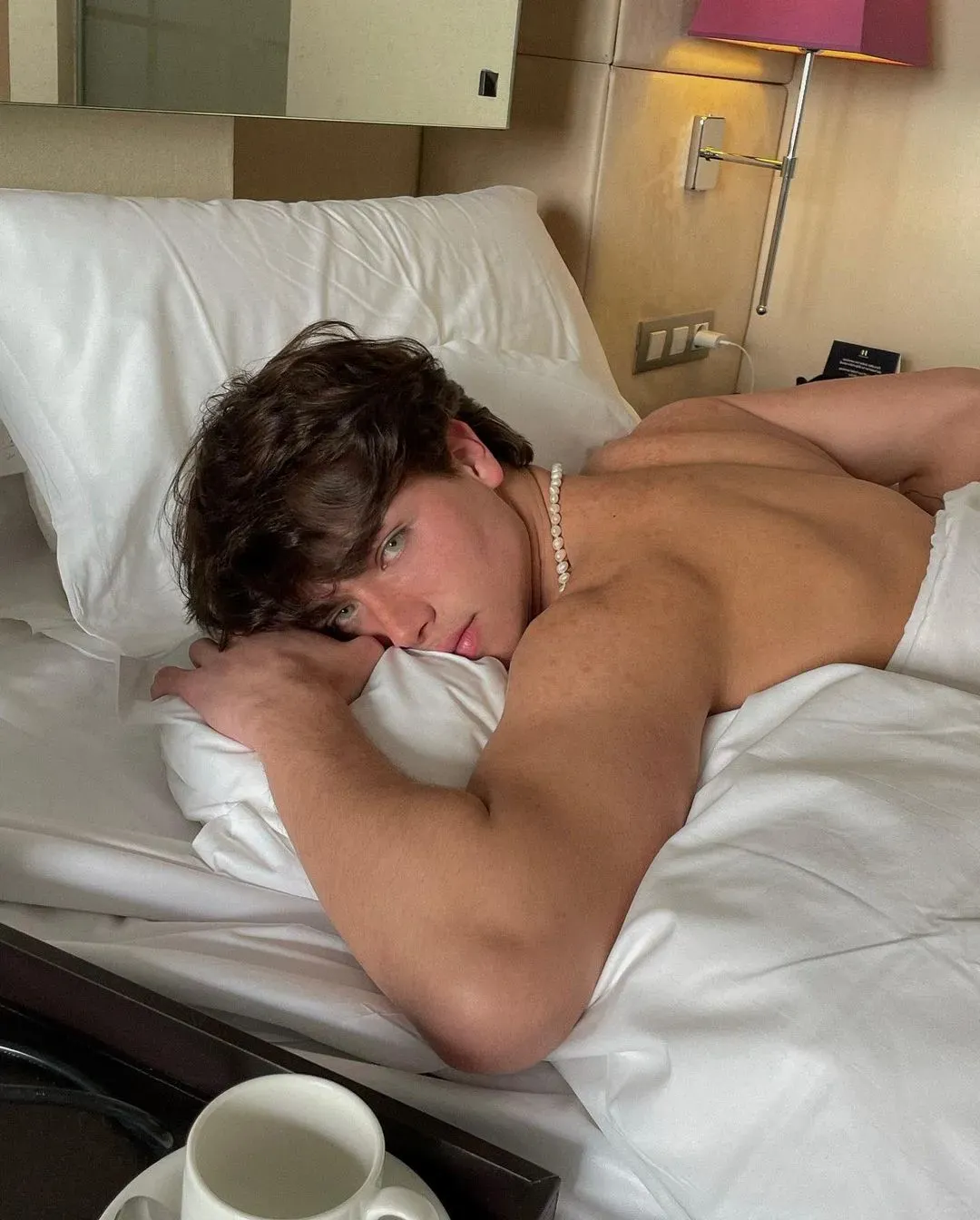
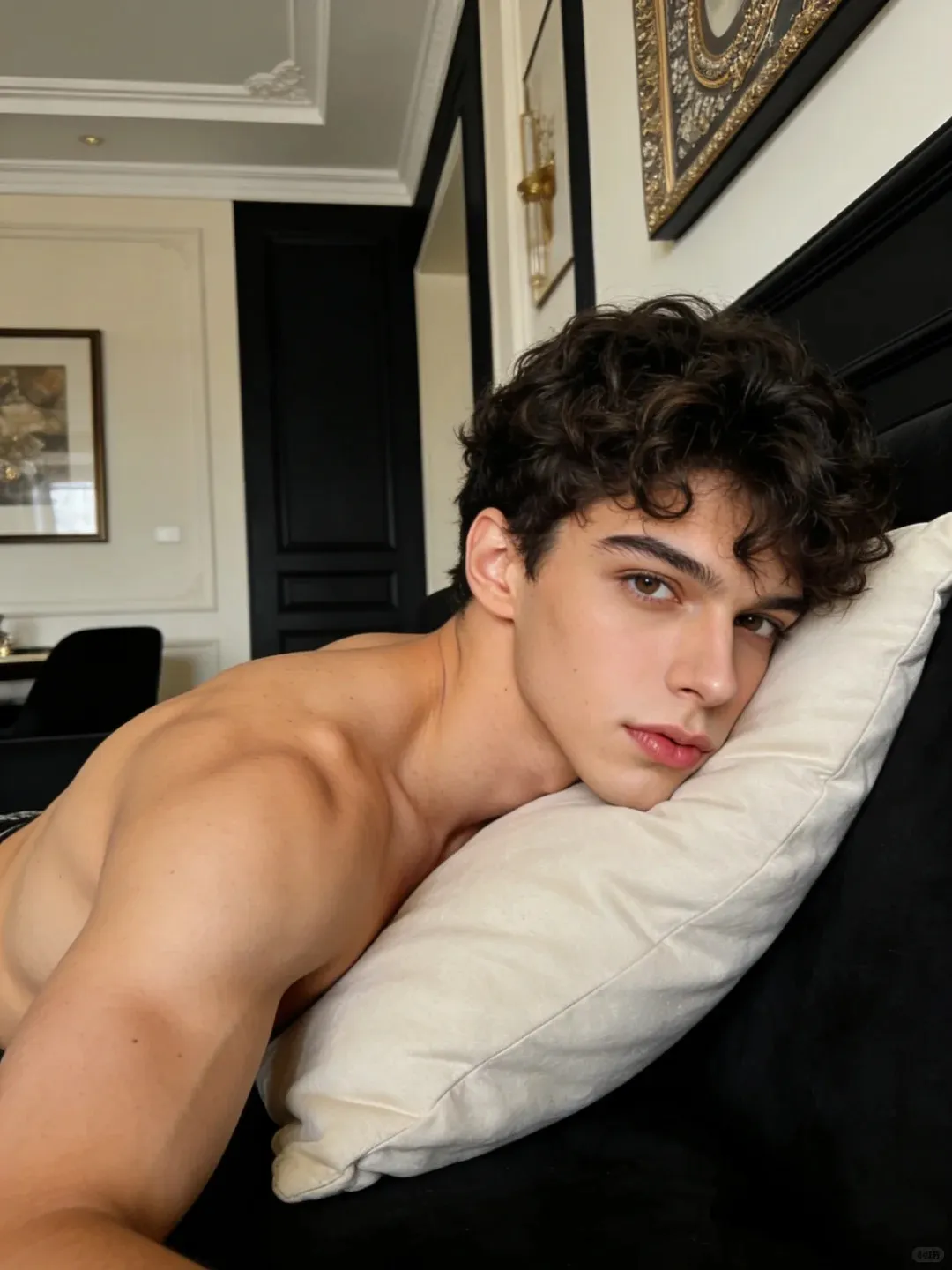
Escolha um modelo de dança acima, envie sua foto e gere um clipe em segundos—sem precisar saber coreografia.
Experimente grátis o gerador de vídeo de dança com IA